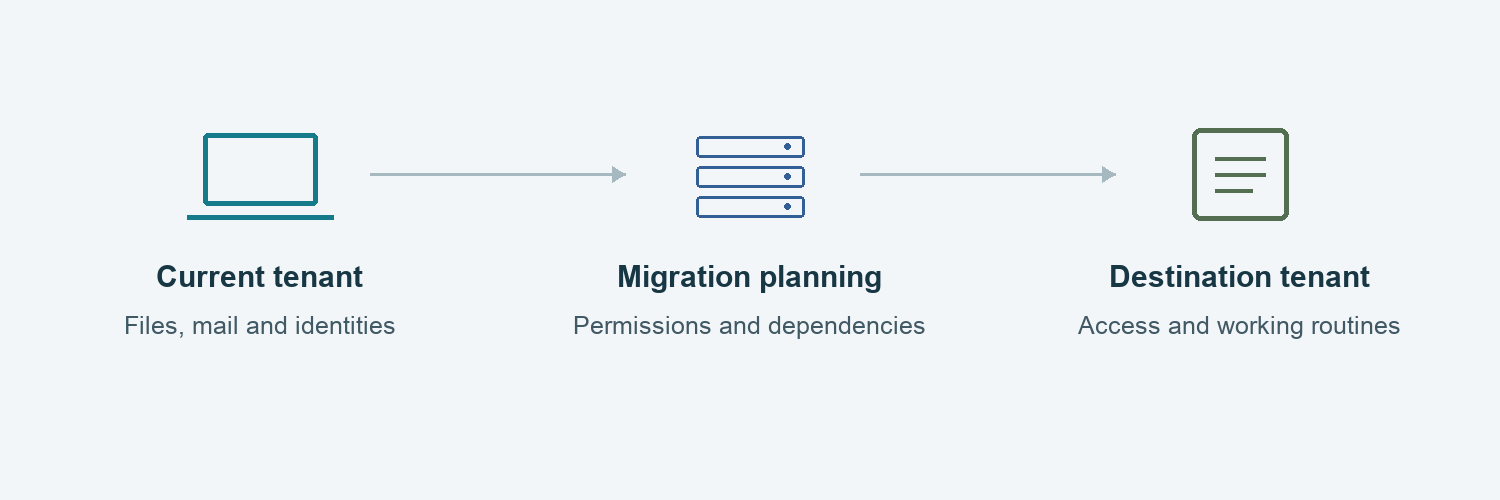
Moving to a new cloud platform or business tenant is more than copying email. Your staff need to find their files, reach shared workspaces and continue working with clients. This tutorial explains the questions a business should settle before a move, without attempting to turn a migration into a do-it-yourself checklist.
What is a tenant migration?
A tenant is an organisation’s cloud environment, with its own users, administration and policies. A tenant-to-tenant move changes that environment. It may follow a merger, a company separation or a move away from an existing provider. Moving between Google Workspace and Microsoft 365 adds a platform change as well.
Email is only one part of the picture
Mailboxes, shared files, collaboration spaces, identities and third-party applications need to be considered separately. Microsoft’s migration guidance distinguishes workloads such as Exchange, SharePoint and OneDrive. The available method, licensing and limitations depend on what is moving and between which environments.
What staff and collaborators may notice
People may need a different sign-in, a newly configured application or guidance on where to find shared work. Existing links and permissions require particular attention. Some supported migration methods preserve or redirect links under defined conditions, but it is unsafe to promise that every link, automation or integration will continue unchanged.
Why planning matters to the business
An unclear handover can create duplicate working copies, missed access requests and confusion about which system is authoritative. Deadlines, external collaborators and application dependencies should shape the plan. A successful transfer of data is only part of the outcome: people must be able to use it appropriately afterwards.
Information you can gather safely
List the platforms your team uses, approximate user numbers, shared workspaces, critical applications and upcoming deadlines. Identify who owns the domains and who currently administers each environment. Record contractual or retention requirements for the project team to review. Do not cancel the existing service, delete accounts or change domain records to get the move started.
What to ask your migration partner
Ask what is included and excluded, how access will be mapped, what a pilot will test, how changes are communicated and how completion is checked. Discuss recovery options and the support available after the handover. The answers should describe your environment rather than rely on a blanket promise of zero disruption.
How MSL helps
Mac Support London scopes cloud and tenant migrations around the systems and workflows your business uses. We assess the dependencies, agree the plan and coordinate the move and handover. Start with your current platform, intended destination and business reason for changing.
Discuss your cloud or tenant migration, or learn about the relevant MSL service.
Further reading
References checked on 13 October 2026: Microsoft: plan a tenant-to-tenant migration; Microsoft: cross-tenant OneDrive migration.