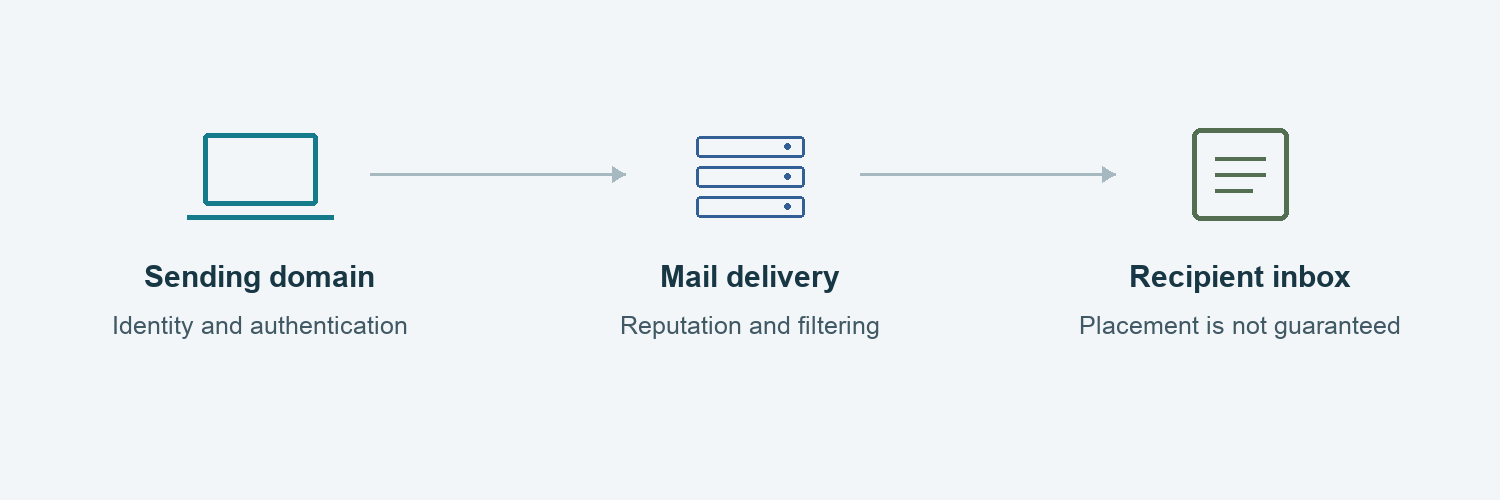
A proposal goes unanswered, an invoice arrives late, or a client finds your message in junk. It is tempting to blame a particular word or attachment, but delivery problems can involve the sending service, domain authentication, reputation and the recipient’s filtering. The first step is to understand the pattern.
Start by separating the symptoms
A rejected message with a delivery report is different from an accepted message placed in junk. Is the problem limited to one recipient, one email provider or one type of message? Does it affect ordinary correspondence, automated invoices or a marketing platform? Each path may use a different sending system.
What SPF, DKIM and DMARC tell receiving systems
These mechanisms help receiving systems assess whether a message is authorised and authenticated for the domain it uses. Google’s sender guidance explains authentication and alignment requirements. They are important foundations, but passing authentication is not a guarantee of inbox placement: receiving systems consider other signals as well.
Why business applications matter
Your main mailbox is not necessarily the only service sending email as your business. Accounting software, a CRM, website forms and campaign tools may all be involved. A problem that appears after a new service or a domain change is useful evidence for the investigation. It is not a reason to add guessed records to DNS.
The impact on clients and your team
Unreliable delivery can delay approvals and payments and create uncertainty over whether someone received an important message. Repeated resending may obscure the original problem. A consistent way to record failures helps the business understand which communication is affected and how urgently it needs attention.
Safe evidence to gather
Record the sender, recipient domain, approximate time and the sending application. Keep any delivery report and note whether a recipient found the message in junk or never received it. Ask your IT team how to share original message headers securely. Do not forward confidential attachments or paste full client messages into a public tool.
What to avoid changing blindly
Do not publish a guessed SPF record, remove DKIM settings or change a DMARC policy without checking all legitimate senders. Do not switch to a personal account as a routine workaround for confidential business correspondence. If a critical message is delayed, confirm receipt through an established alternative contact method while support investigates.
When MSL can help
Mac Support London can review the affected sending route, authentication evidence and domain configuration. We identify the relevant changes and agree a controlled approach. Tell us which messages are affected and whether anything changed recently; we can take the technical investigation from there.
Discuss an email delivery problem, or explore our email security and DMARC service.
Further reading
Reference checked on 13 October 2026: Google email sender guidelines.