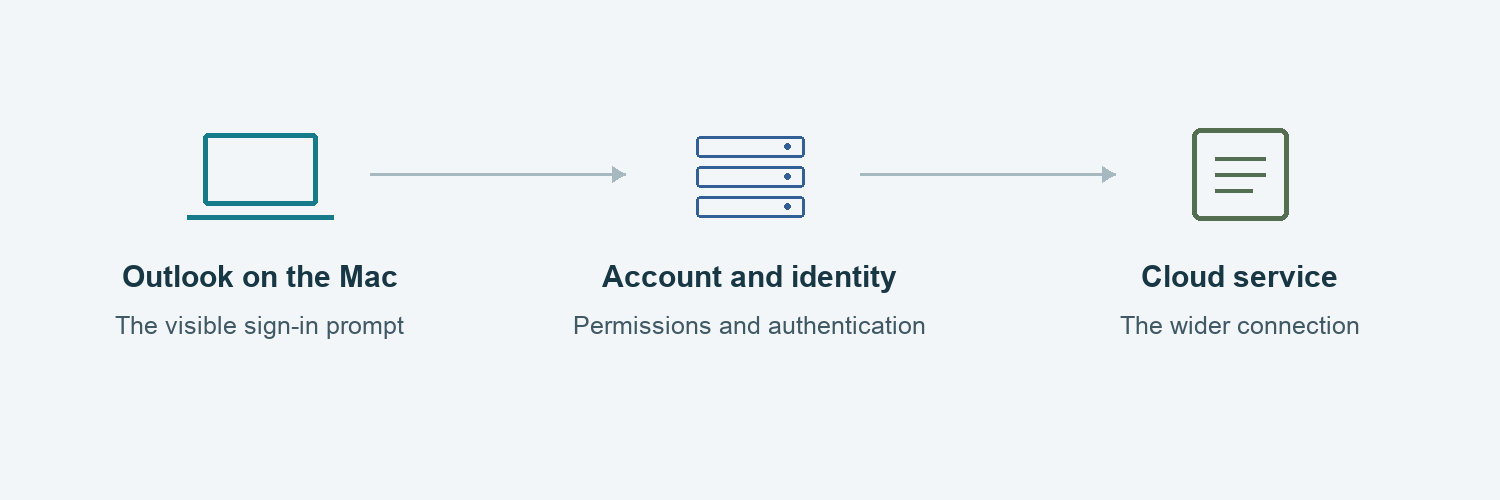
You enter your password, Outlook reconnects, and the same prompt returns later. It is frustrating, but repeated sign-in requests do not always mean that your password is wrong. Understanding the pattern helps your IT team distinguish an account issue from an application or security-policy problem.
What the symptoms can tell you
The useful question is when the prompt appears. Does it happen when Outlook starts, when you open a shared mailbox, after the Mac wakes, or while you are already working? Does it affect one person or several colleagues? Does the browser-based mailbox work normally? These differences help narrow the investigation; they do not establish a diagnosis.
Why the password may not be the problem
Outlook relies on more than a saved password. The account, application and organisation’s sign-in controls have to work together. A changed password, an account setup issue, an older application or an authentication-method mismatch can all deserve investigation. Microsoft documents recurring prompts in particular scenarios, including Outlook.com accounts using older authentication. That example should not be assumed to explain every Microsoft 365 business account.
What it means for your business
The interruption can leave someone uncertain whether messages have sent or whether the inbox is current. Repeated prompts can also make people less attentive to unexpected sign-in requests. The objective is to restore dependable access while keeping your organisation’s security controls in place.
Safe checks and information to gather
Record the exact message, time and affected account. Note your Mac’s operating-system version and Outlook version, whether colleagues are affected, and any recent password, device or migration changes. If you normally use webmail, note whether it is working through your usual trusted route. Do not send your password or approve a sign-in request you did not initiate.
When to ask for help
Involve support when prompts recur, messages stop synchronising or several people are affected. Unexpected security notifications or requests to approve a login you did not start need prompt attention through your normal incident process. Avoid deleting accounts, clearing credentials or changing authentication policies before the cause is understood.
How MSL approaches the problem
Mac Support London can review the account setup, application behaviour and relevant sign-in evidence, then agree a suitable fix. Tell us when the prompt appears and what you have observed; you do not need to diagnose it yourself.
Tell us about your Outlook sign-in problem, or learn about the relevant MSL service.
Further reading
References checked on 13 October 2026: Microsoft: troubleshoot Outlook email setup; Microsoft: Outlook.com and older authentication.