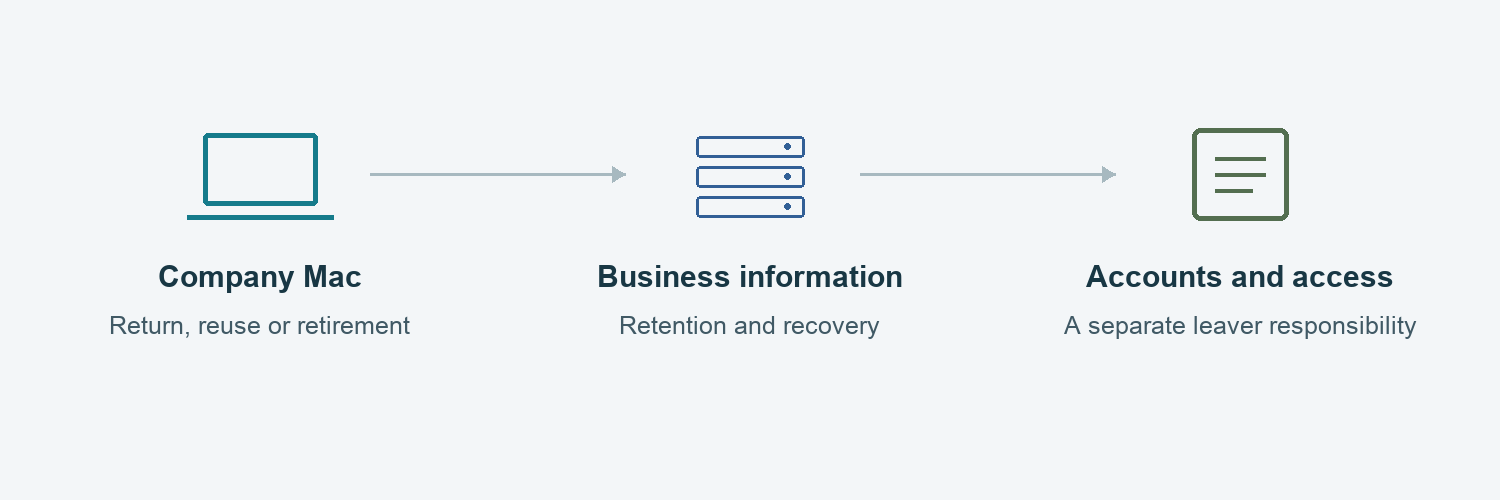
A business buys MDM because it wants to wipe a laptop when someone leaves. That is a useful capability, but it answers only one part of a larger question: how does the business protect its information, remove access and make the device ready for the next person without losing work?
What a wipe does not prove
A device action is not a complete account handover. You still need to understand access to email, shared drives, collaboration tools and other business applications, including access from other devices. Removing local data and removing a person’s ability to reach business services are different responsibilities.
Protect the work before deciding what to erase
Before any destructive action, the business needs to know where project data lives, who owns it and which retention or handover requirements apply. A folder visible on a laptop is not proof that a usable backup exists. A hurried reset can turn an access problem into a data-loss problem.
Encryption and recovery need their own plan
FileVault helps protect data on a Mac, while recovery access is a separate operational concern. Apple documents recovery-key escrow through device management, but the fact that a Mac is encrypted does not establish that your business can retrieve the appropriate recovery information. That needs to be checked through an authorised process.
A returned Mac may still need investigation
Public administration questions describe returned devices that cannot be readily reused, including account or Activation Lock complications. A company-owned laptop should have a known ownership and management history. Do not assume a remote command will settle every issue, or that a device will be reachable whenever an urgent action is needed.
Offboarding connects people, accounts and equipment
A practical process coordinates the leaving date, access changes, transfer of work, collection of equipment and preparation for reuse. Someone must own the overall outcome, even if HR, a manager and an IT provider handle different parts. A device-management console alone cannot make those decisions.
Questions to settle before the next departure
Who confirms the leaving date? Where is the person’s business data? Who authorises access changes and destructive actions? Which services are outside the main identity system? Who verifies equipment return and checks the next user’s setup? What happens if the laptop is unavailable? These questions expose missing responsibilities without changing any settings.
When to involve MSL
Ask for help before a departure where access or data ownership is unclear, and promptly if you suspect unauthorised access. Do not send wipe commands, delete accounts or circulate recovery keys as an experiment. Mac Support London can review the connected process and agree how to handle the device, information and service access safely.
Discuss your Mac offboarding and recovery arrangements