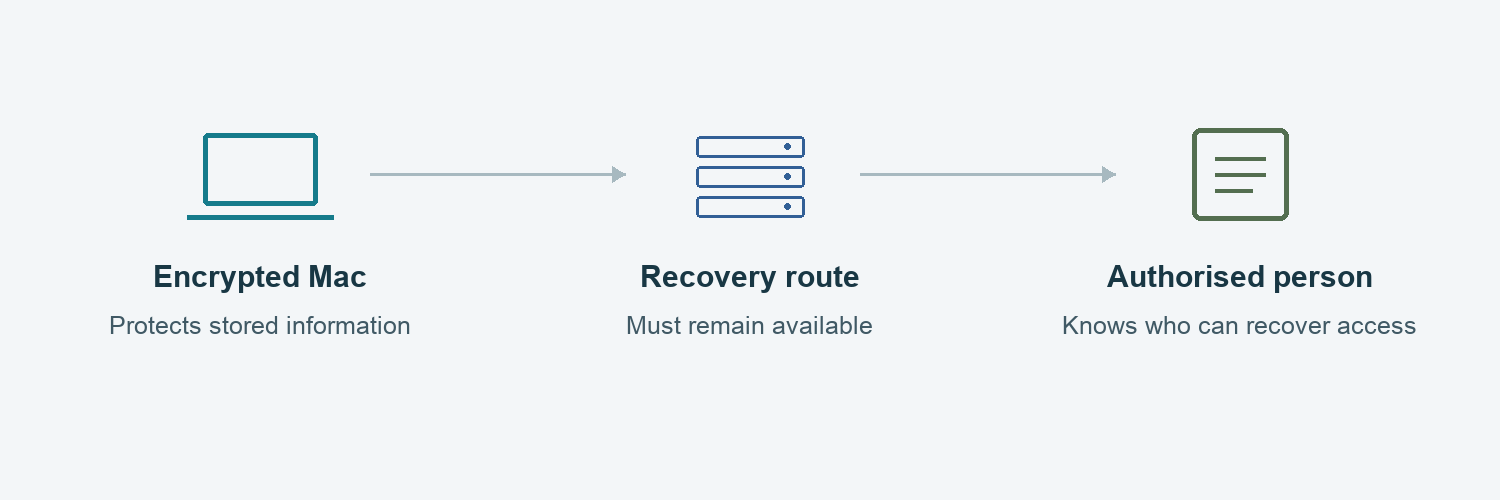
A colleague cannot log into their Mac. You open Mosyle and see that FileVault encryption is enabled. That sounds reassuring, but it does not tell you whether the business can recover authorised access—or who is allowed to do it.
Encryption status and recovery readiness are different questions. A small business can be confident that a laptop is protected while still being unclear about what happens when its usual user cannot unlock it.
What the encryption status tells you
FileVault helps protect the information stored on a Mac against unauthorised access. A management service can report encryption information and, with the appropriate configuration, hold a personal recovery key. Apple describes that storage with the management service as key escrow.
The fact that encryption is enabled does not establish that the relevant recovery information is held by your business, accessible to an authorised person or suitable for the situation in front of you. Those arrangements need their own attention.
How gaps develop in an otherwise working setup
A Mac may have been encrypted before it joined the management service. A configuration may have changed during a move between providers. Someone may have assumed that enabling a policy also confirmed recovery for every existing device.
These are possibilities to investigate, not a diagnosis of your Mosyle account. The important distinction is between a setting being requested and the business having evidence that its recovery arrangements are in place.
Questions the business should be able to answer
Who is authorised to handle a recovery request? Where is the recovery information held? Does the record relate to this particular Mac? When were the arrangements last checked, and what happens if the usual administrator is unavailable?
An office manager should not have to circulate recovery keys or become a specialist to get those answers. The process should provide continuity while keeping sensitive access under control.
Recovery is not the same as a backup
Recovering access to an encrypted Mac and recovering lost files are separate tasks. A recovery key is not a copy of the employee’s work. Equally, a file backup does not remove the need for a controlled way to deal with a locked computer.
That distinction matters when someone suggests wiping the Mac as a quick way forward. Before any destructive action, the business needs to understand what information exists elsewhere and what may only be stored on the device.
If someone is locked out now
Record which Mac is affected, what the screen says and whether the employee’s access recently changed. Contact the person responsible for your Mac management through an established channel. Avoid sending passwords or recovery keys in ordinary email, and do not post them in screenshots or support forums.
The appropriate recovery route depends on the device and its current state. Changing encryption settings or removing management as an experiment can complicate the situation.
Make recovery part of the management review
Mac Support London can review encryption reporting, recovery arrangements and authorised access across your Mosyle-managed Macs. We help establish what is documented, where verification is needed and how recovery fits into your wider support and backup plan.
Ask us to review your Mac recovery arrangements
Further reading: Apple: manage FileVault with device management. Related: Our files are in the cloud—could we still lose them?