You bought a Mac for a new starter, handed it over and expected the company apps and settings to appear. Instead, it looks like a personal laptop. The other Macs seem fine, and the new one may even appear in an Apple or Mosyle dashboard. So why is it different?
A missing setting does not identify the cause on its own. The Mac may not have completed enrolment, may not be receiving the intended configuration, or may be waiting on a separate app or account requirement. The useful first question is where the process stopped.
There is more than one connection involved
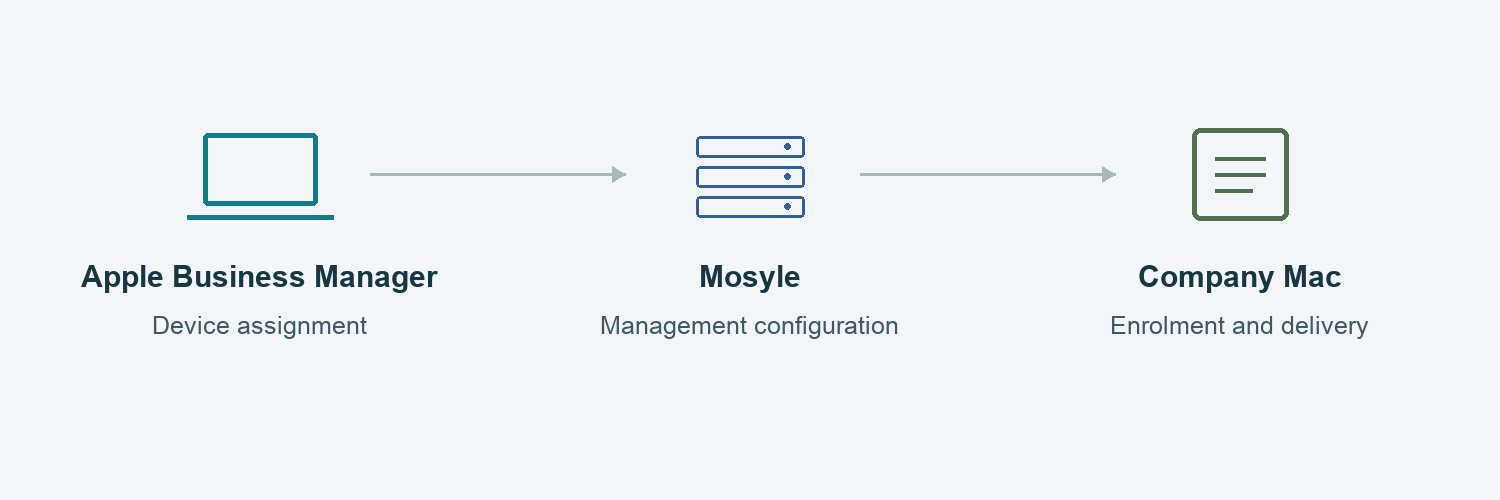
Apple Business Manager, Mosyle and the Mac each have a different role. Apple Business Manager helps an organisation assign eligible devices to its management service. Mosyle holds the management configuration. The Mac must enrol and communicate with the service for applicable settings to reach it.
Seeing a serial number in Apple Business Manager does not, by itself, confirm that the Mac has completed enrolment in Mosyle. Seeing a device record in Mosyle does not prove every intended setting or app has been applied.
Why one new Mac can behave differently
A laptop bought through a different supplier, set up before management was considered, or sent directly to a remote employee may have followed a different route from the existing Macs. An older setup may also rely on a manual step that nobody recorded.
Even an enrolled Mac can receive a different set of instructions. Device groups, assignments, app licences and the state of the connections between services can all matter. Copying the settings from another device without understanding those relationships can leave the original gap in place.
What to gather before asking for help
Record the affected Mac’s serial number, purchase route, who completed its initial setup and which apps or settings are missing. Note whether the issue affects just this Mac or other recent starters. If you already have authorised access, record where the device appears and any visible status or error wording.
You do not need to interpret every technical field. A clear account of what happened, and when, is more useful than several speculative changes. Keep screenshots free of passwords, recovery keys and other confidential information.
Why a reset should not be the first experiment
Some enrolment changes can affect the way a Mac is set up and may require a planned interruption. Erasing it, removing management or releasing it from Apple Business Manager without checking the consequences can make the handover harder. Any proposed change should account for the employee’s files, access and working day.
What a complete resolution should establish
The aim is a repeatable purchasing and onboarding process: the business knows how a new Mac becomes managed, which configuration it should receive, and who confirms it is ready for work. Getting one app installed manually may get the employee through today while leaving that process unresolved.
Need help with a Mac that is missing its Mosyle settings?
Mac Support London can review the enrolment route and configuration, identify where the process has broken down and agree the changes needed. We can also help make the next new starter’s setup more predictable.