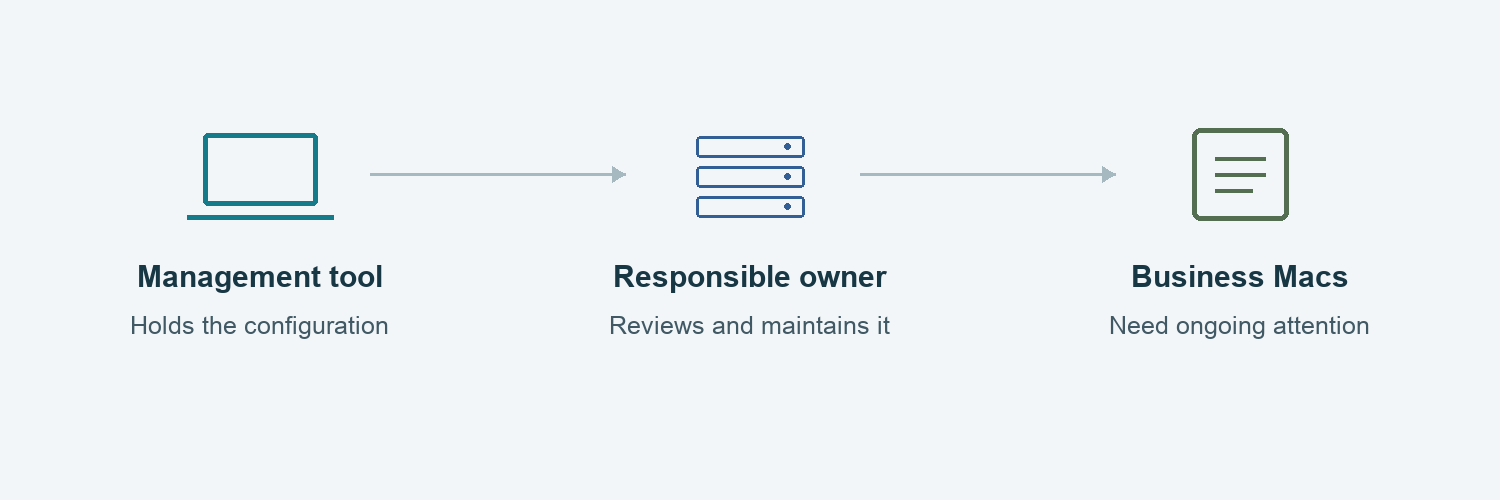
Perhaps you signed up for Mosyle to install an app, apply a setting or keep a record of the company Macs. It did the job, and you moved on to the rest of your responsibilities. Months later, it is less clear whether anyone is checking what happens next.
That is an understandable position for a busy office manager. Choosing a management tool is one decision. Deciding how the business will use and maintain it is another.
Free software can be a sensible starting point
Mosyle currently offers Mosyle Business FREE for up to 30 devices. That is a device limit, not a headcount limit. The current plan details should always be checked against the features your business intends to use.
Using a free plan does not mean your setup is poor, and a paid subscription does not automatically make a setup complete. The useful question is whether the chosen tools, configuration and responsibilities fit the way your business works.
Someone still needs to decide what a managed Mac should look like
Different businesses need different apps, permissions and update arrangements. Those decisions should connect to how staff work, what information they handle and what support is available when something fails.
A policy created for one urgent request can remain in place long after its purpose is forgotten. Over time, exceptions and one-off changes can make it difficult to explain why two otherwise similar Macs behave differently.
New starters and leavers need a joined-up process
Buying a laptop, enrolling it, providing access and confirming it is ready are connected tasks. When someone leaves, collecting the hardware is only part of the work: accounts, business information, licences and readiness for reuse also need an owner.
An office spreadsheet and a device dashboard can each be useful, but neither guarantees the other is current. The business needs to know who reconciles those records and follows up when something does not match.
Updates, renewals and exceptions do not look after themselves
A management policy can express what should happen. Someone must still check whether devices receive it, whether updates complete and whether an exception is temporary or has simply been forgotten.
Apple management connections also have maintenance requirements. Renewal reminders need to reach a responsible person, with continuity if that person is away or leaves. Different certificates and tokens have different roles; an unfamiliar warning deserves investigation before anything is replaced.
A useful test for the office manager
If a Mac stopped reporting, a renewal email arrived or a new starter received the wrong setup, would you know who was responsible for the next step? Could someone else take over from your records? Would the business know which gaps were still open?
You do not need a complicated operating manual. You need clear ownership, a record of the intended setup and a practical way to confirm that it continues to work.
Keep Mosyle useful as your business changes
Mac Support London can review an existing Mosyle setup, explain which responsibilities are covered and identify the gaps that need attention. We can help with a defined improvement project or discuss ongoing Mac and cloud support.
Discuss a review of your Mosyle setup
Plan reference: Mosyle Business. Related: We have MDM—but are our Macs actually managed?