A colleague can see a project folder but cannot open the files. Another sees an older version, while someone else says the documents are missing completely. Reconnecting OneDrive feels like a quick answer, but are these actually the same problem?
A file appearing in Finder does not prove its contents are available locally, and a missing local file does not establish that the cloud copy has been deleted. The first job is to identify the location, account and state of the affected information.
Several different problems can look like “not syncing”
The wrong work account, changed library permissions, a sign-in problem, paused synchronisation or a storage constraint can all affect what a person sees. A moved or renamed folder may be mistaken for a lost one. A problem affecting one Mac needs a different investigation from a library that nobody can access.
Microsoft’s Files On-Demand also distinguishes online-only placeholders from downloaded content. A familiar filename is not proof that the file is ready for offline work. This matters when someone leaves the office assuming an entire project is on their laptop.
Protect unsynced work before trying resets
Before unlinking accounts, resetting the client or tidying apparent duplicates, establish where the latest edits exist. Work that has not uploaded may exist only on one Mac. Changes made casually inside a shared sync location can also affect colleagues.
A controlled investigation separates missing access from missing content, records the sync message and checks whether the expected files are available through the correct web account. That provides a more useful starting point than repeatedly moving folders until they appear to work.
Check the way the business uses shared storage
Sometimes the recurring issue is a library structure or workflow that nobody owns. Teams may combine shortcuts, separate sync relationships and local copies without a shared understanding of which location is authoritative.
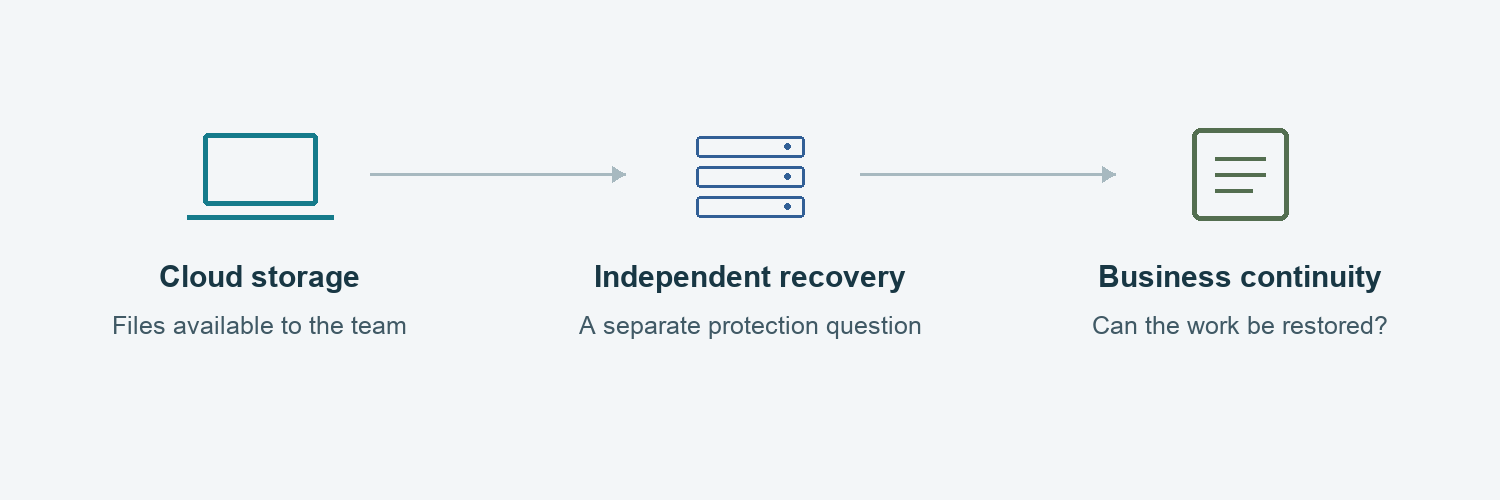
Cloud synchronisation is also not a complete backup and recovery strategy. If important work is deleted, overwritten or damaged, the business needs to know which restore options apply and what their limits are.
What we review
- Whether the problem concerns sign-in, permissions, availability, synchronisation or actual deletion.
- Which account and library the affected Mac is using.
- Where the latest edits exist and whether they reached the cloud.
- The macOS and OneDrive versions, storage state and reported errors.
- How shared information is organised, recovered and owned.
The goal is a reliable working arrangement, with clear expectations for online and offline access. If the same incident keeps returning, the configuration and workflow deserve attention alongside the individual error.
Discuss your business setup
Mac Support London can assess the configuration, explain the gaps and agree a practical route forward. Discuss your Mac and cloud setup.