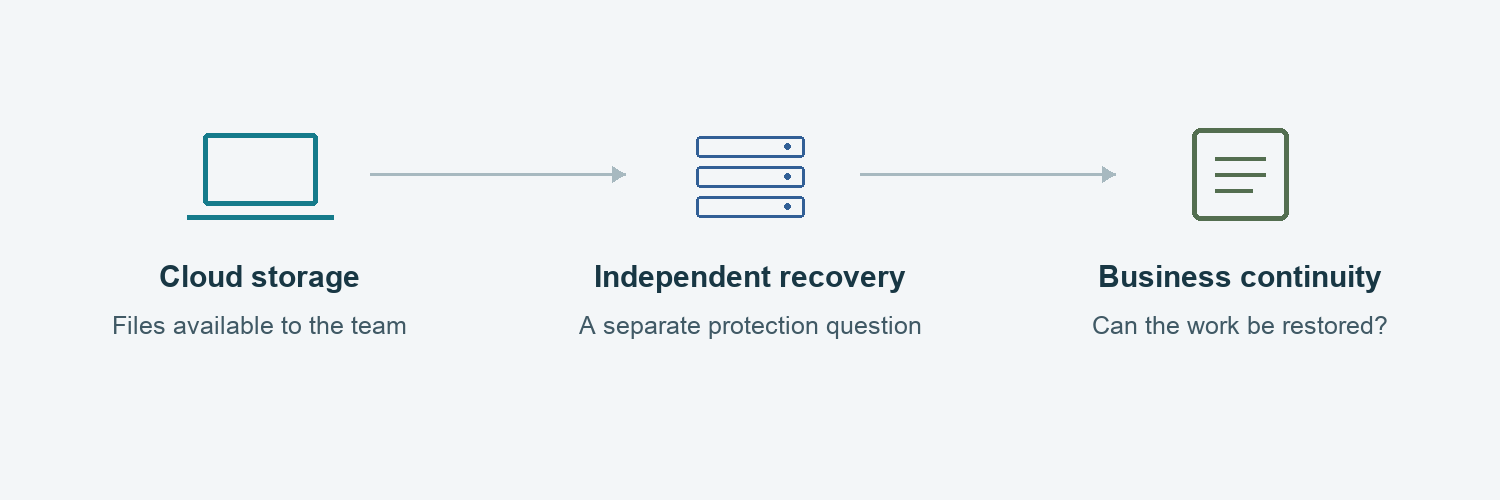
Your team saves work in Microsoft 365, Google Workspace or another cloud service. Files appear on several computers, so it feels as though there must be several safe copies. Cloud storage can help protect work, but synchronisation alone does not establish what your business can recover after a mistake, account problem or damaging change.
Why synchronisation can spread a mistake
Synchronisation keeps locations in step. Microsoft documents that changes and deletions in a OneDrive folder are reflected online, and vice versa. That is useful for collaboration, but it means a second synchronised view is not necessarily an independent copy of yesterday’s work.
Cloud recovery features are useful—with limits
Services can offer deleted-file recovery and version history. Their scope, retention periods and availability depend on the service and your arrangements. The question is not whether the cloud has any protection: it is whether the available recovery covers the incident and timescale your business needs.
The files nobody realised were outside the plan
Consider an architect’s project folder in Downloads, a designer’s working files on an external drive or a consultant’s material saved under a personal account. A cloud subscription does not prove these locations are included. These are examples to investigate, not evidence that your own files are missing.
A backup needs a business outcome
Can you recover the right project, from the right point in time, quickly enough to meet a client deadline? A successful backup notification does not answer every part of that question. Coverage, recovery access, retention and a tested restore all matter; a separate backup service also needs review rather than blind trust.
Warning signs worth investigating
Nobody can identify which folders are protected. Sync errors have become background noise. Recovery depends on the account of one person. The team has never seen a restore demonstrated. These gaps deserve attention before an urgent deadline makes them expensive.
Questions to ask without changing anything
Where does active work actually live? Which locations are covered? How far back can we recover? Who is authorised to do it? When was recovery last tested, and what was restored? Gather the answers rather than deleting sample files or changing sync settings as an experiment.
How Mac Support London can help
We can review the relationship between your Macs, cloud storage and recovery arrangements, identify uncovered work and agree a proportionate plan. If files are already missing, seek help promptly and explain what changed before attempting a broad restore.
Discuss your business backup and recovery arrangements