A small business adopts mobile device management, or MDM, to solve an immediate problem: install an application, enforce a setting or prepare a few laptops. The task works, so the setup is treated as complete. The gap is that a successful command proves one capability, not that the business has a dependable management system.
The question behind “which MDM should we buy?”
Public questions from small teams often start with product choice or a single requirement. The more useful starting point is what the business needs to control throughout a device’s life: ownership, setup, accounts, access, protection, updates, recovery and reuse. A modest fleet needs a proportionate plan, not every available restriction.
Being listed is different from being ready
A device appearing in a console does not tell you whether it is communicating recently, whether the right policies apply or whether a failed task is being noticed. Ask what “managed” means in your own business and what evidence supports it. Otherwise the dashboard can become an inventory that everyone mistakes for assurance.
The architecture, in business language
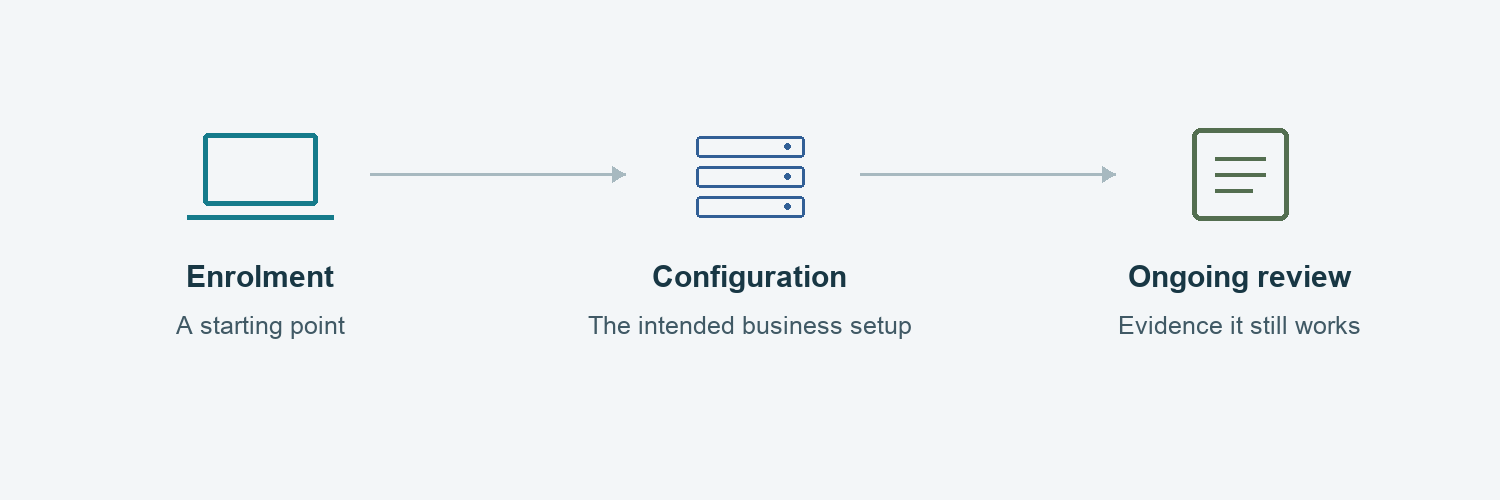
Think of several connected layers. Device ownership and assignment determine where a business-owned Mac belongs. Enrolment brings it into the chosen management service. Policies define its intended setup. Identity governs who can use business services. Monitoring and operational processes tell you whether the plan continues to work. The names and capabilities vary by platform; those responsibilities still need to connect.
Enrolment is an important design choice
Apple documents different enrolment methods, with different management and privacy characteristics. Automated Device Enrollment supports organisation-owned devices and can prevent removal of the management profile when appropriately configured. An existing fleet may need a different transition from new purchases. Do not assume that every device in a console has identical controls, or that adding it to an Apple business portal completes every part of enrolment.
Where a one-task setup leaves gaps
An application rollout says little about who owns the administrator accounts. A password rule does not establish a recovery process. A wipe capability does not remove access to cloud services. A patch policy does not prove updates succeeded. These are separate outcomes, with different dependencies and responsibilities.
Questions a business owner can ask safely
Who can explain how our Macs are enrolled? Which devices have not checked in recently? What happens when a policy fails? Who has legitimate access to recovery information? Who maintains certificates and renewals? What changes when a new employee starts or leaves? Ask for evidence and a plain-language explanation, not a list of features.
When to get the setup reviewed
A review is useful when the setup lives in one person’s head, old and new devices behave differently, or nobody can show whether essential controls are working. Avoid removing management profiles, experimenting with wipe commands or applying blanket restrictions to see what happens. Mac Support London can assess the setup against your actual workflows, identify gaps and agree a practical plan.
Discuss the gaps in your Mac management setup