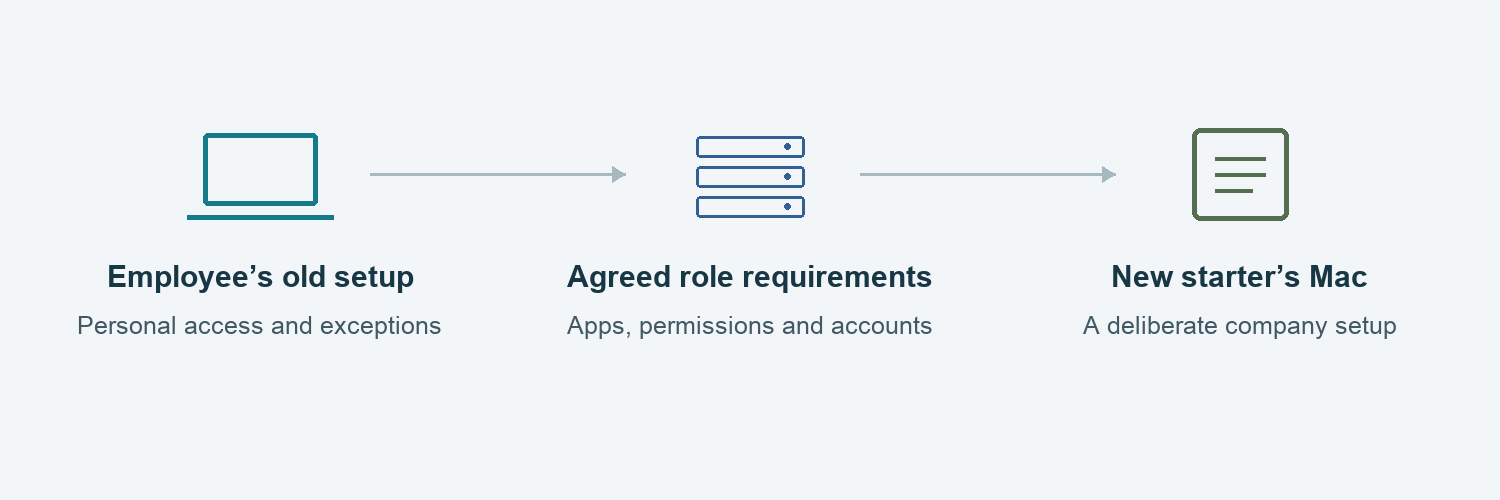
A new colleague starts on Monday. The quickest option seems to be making their Mac look like someone else’s: the same applications, the same folders and the same settings. A consistent setup is valuable, but another person’s working environment is not the same thing as an agreed setup for the role.
Copy the requirements, not the person
Two people may need the same design applications while needing different client folders, licences and approval rights. Starting from a colleague’s access can reproduce permissions that have accumulated over years. A role should determine what the new starter needs.
What a migration can bring across
Apple’s Migration Assistant can transfer documents, applications, user accounts and settings. It is useful when someone moves to a new Mac, but that capability does not decide which material is appropriate for a different employee. Renaming an account is not evidence that the handover is complete.
Old work and old habits can become the default
An inherited setup may contain unrelated project data, obsolete applications, personal preferences or connections to the previous user’s services. Exactly what remains depends on the transfer method. The business needs to understand what was carried across, rather than assume a familiar desktop means the Mac is ready.
A login is only the start
The new starter needs their own authorised identity, suitable access, licensed applications and a clear place to save business work. Device management, encryption recovery and backup coverage need to fit the company’s plan too. Being able to open email does not verify those separate outcomes.
The cost appears after the first morning
A colleague cannot reach a project folder, an application asks for someone else’s credentials, or nobody knows where new work is being saved. These interruptions consume staff time and can expose information to the wrong people. A repeatable onboarding process reduces guesswork as the business grows.
Questions to settle before the laptop is handed over
Who approves the role’s access? Which applications are needed? Who owns the device and its administration? Where will work be stored? Who checks the setup with the employee? Ask for a clear handover record; avoid sharing an existing employee’s login to make the first day easier.
How MSL can help
Mac Support London can review your current onboarding process and define a repeatable setup around the role, device ownership and business workflows. If a copied setup is already in use, we can assess what it inherited before changes are made.
Discuss a consistent new-starter setup