An update notification appears during a busy project, so someone postpones it. That can be a sensible short-term decision. The problem begins when postponement becomes the whole process: nobody owns the next date, checks compatibility or verifies that the update eventually happened.
A planned delay needs an end point
Creative and professional teams depend on applications, plug-ins and connected equipment. Testing compatibility before a rollout can be sensible. Apple documents managed deferrals and staged update deployment, but these controls need to sit within an agreed process. A reason to wait should lead to a decision and a deadline.
Not every delay is a choice
A Mac may lack enough free storage, miss an installation window or encounter an error. Users may not understand a prompt or know who to contact. Treat these as possible causes to investigate: repeated reminders do not tell you why a particular device is behind.
Operating-system updates are only one part
Keeping macOS current does not establish that browsers, business applications and plug-ins are maintained. Different software can have different update routes and compatibility requirements. Someone needs visibility across the tools the team actually uses.
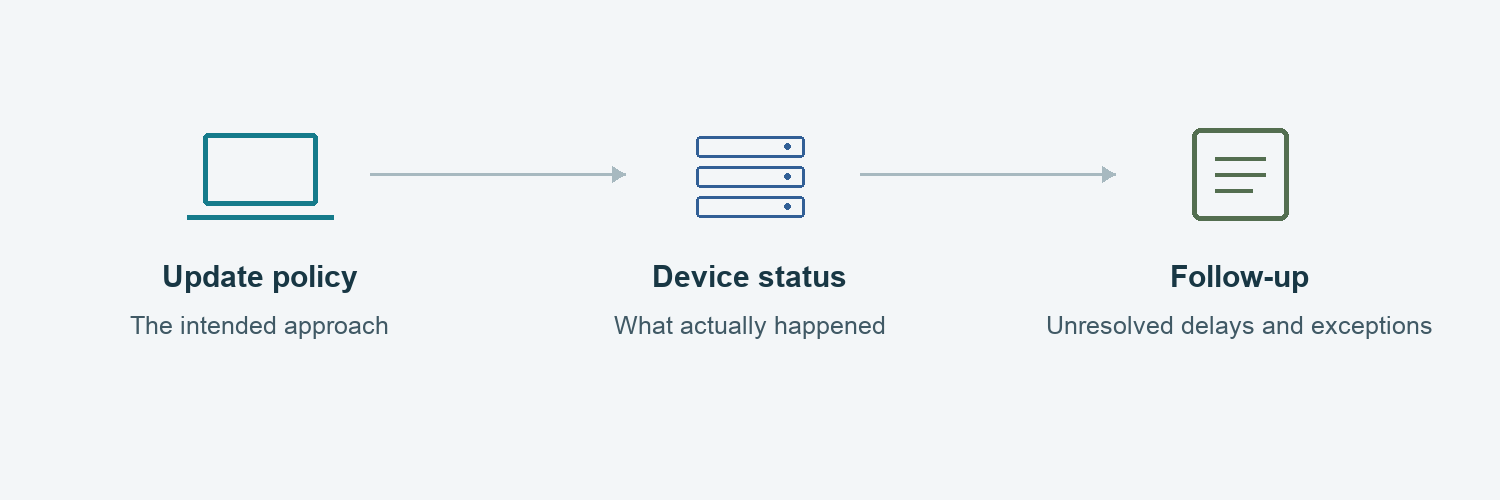
An update policy is not proof of completion
A management service can be configured to request or enforce updates. The business still needs to know which devices completed them, which remain behind and which require investigation. A policy in a console and a verified device outcome are different things.
Why an indefinite delay becomes harder to manage
A growing gap can leave published fixes unapplied and make compatibility decisions more complicated. It can also turn a routine change into an urgent interruption when a service or application requires a newer version. This does not mean every major upgrade should be installed immediately.
Questions an owner can ask
Which versions are in use? What has been deliberately deferred, and why? Who reviews compatibility? When is the next agreed window? Which devices failed, and who follows up? Ask for current evidence rather than assuming staff will respond to the next notification.
When to involve Mac Support London
A review is useful when devices vary widely, updates depend entirely on user goodwill, or compatibility concerns have no review date. We can assess the fleet and agree testing, scheduling and follow-up around your work. Avoid forcing a fleet-wide upgrade or removing important files to make space without understanding the consequences.
Discuss a managed update plan for your Macs