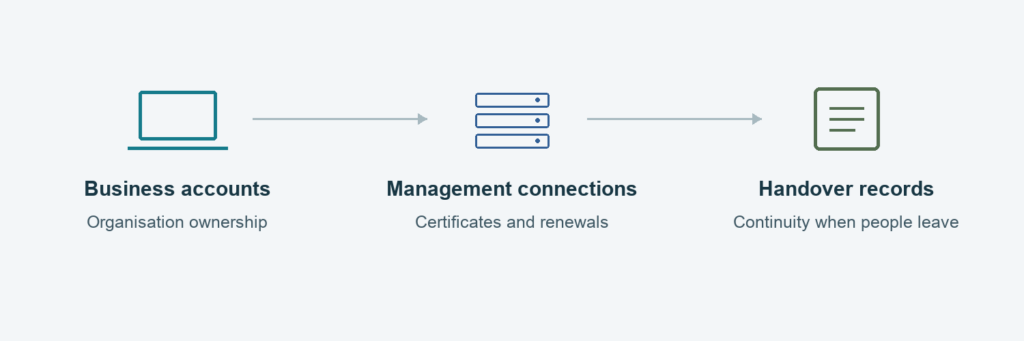
A renewal reminder arrives for the Apple push certificate used by Jamf. The person who originally set it up has left, the Apple Account is unfamiliar, or several people assume somebody else will deal with it.
This is an ownership problem as well as a renewal task. Knowing the expiry date is only useful if the business can identify the existing certificate, reach the right account and arrange a controlled renewal.
Apple push-certificate continuity matters in both Jamf Pro and Jamf Now, although their renewal screens and recovery processes differ. This guide focuses on the business responsibilities behind a reliable renewal.
What the certificate does
Apple Push Notification service, usually shortened to APNs, forms part of the communication used for Apple device management. The certificate is part of the trust relationship behind that communication; it is not simply a reminder attached to the Jamf subscription.
If the relationship stops working, some management functions can be disrupted. The symptoms depend on the product, device and management route. A Mac can still be usable even when part of its management connection is broken. Day-to-day work continuing is not a reason to postpone a renewal.
Renewing the existing relationship is different from replacing it
A newly created certificate should not be treated as an interchangeable substitute for the existing one. Jamf documents that uploading a different APNs certificate in Jamf Now can break communication with devices enrolled against the original certificate; recovering the setup can require re-enrolment.
That is why an unfamiliar Apple Account or a missing certificate deserves investigation before somebody creates a replacement. If a certificate has already expired or been changed, establish exactly what happened before taking further action.
The gaps a reminder can reveal
- Account ownership: the business cannot identify or recover access to the account used for the certificate.
- Responsibility: nobody is clearly accountable for the renewal and its follow-up checks.
- Continuity: the only person who knows the process is unavailable or has left.
- Records: there is no reliable record connecting the certificate, the Jamf environment and the renewal history.
A named owner and a documented recovery route are more dependable than sharing one person’s password. Access should be authorised and available to the business when it is needed.
What to establish before the renewal is urgent
Record which Jamf product and environment the notice relates to, the expiry date, the existing certificate’s identity and the account associated with it. Confirm who can carry out the renewal and who will check device communication afterwards.
Keep those records in an appropriate business system rather than an individual’s inbox. Certificates, passwords and account-recovery details should not be sent in an ordinary enquiry message.
Also distinguish this reminder from other Apple or Jamf renewals. An app-distribution token, an enrolment token and a push certificate serve different purposes; completing one renewal does not establish that the others are current.
What we would review
A useful review covers ownership, authorised access, renewal records and the devices that depend on the existing relationship. It should leave the business with a responsible person, a fallback contact and evidence that management still works after the change.
If the original administrator has left, see who owns your Mac management setup when the IT person leaves?
If nobody is confident about an approaching Jamf certificate renewal, talk to Mac Support London before changing the existing setup. Our Mac & Cloud Support service includes reviewing the management responsibilities behind your Apple estate.
Technical background: Jamf’s management communication overview and Jamf Now guidance on a changed push certificate.