A colleague opens Jamf Self Service, finds the application they need and clicks to install it. Nothing useful happens. Another employee already has the app, so the quickest response seems to be downloading a separate copy or asking for administrator access.
An app appearing in the catalogue does not prove that the installation route, assignment and licence are all ready for that Mac. The failed download may expose a wider gap in how the business delivers software.
This guide concerns app delivery through Jamf Pro and Self Service or Self Service+. Jamf Now uses different management screens and workflows. The details also depend on how the particular app is distributed.
A catalogue entry is only one part of delivery
Self Service brings approved resources together for employees, but applications do not all arrive through the same mechanism. A Mac App Store app, an installer package and an app managed through Jamf’s app catalogue can have different requirements and failure points.
For App Store distribution, the relationship with Apple’s business app service and the relevant assignment must be considered. For other software, the installer, delivery process, compatibility and the software publisher’s licensing may matter instead.
That is why an available app listing should not be treated as a promise that every employee can install or use it.
Why one colleague can install it and another cannot
The two Macs may not have the same enrolment history, group membership, operating system or existing installation. The people using them may also have different app assignments.
Those differences are useful clues. They do not mean that copying the working employee’s setup is the right fix. A workaround that gets someone through today’s task can leave the business with a second software source, unclear licence ownership or an installation that no longer follows the intended update process.
Installation and permission to use the app are separate
A completed installation does not necessarily settle the commercial licence or the employee’s access to the service. Equally, purchasing a subscription does not establish that the Mac has received the intended application.
The business needs a clear answer to three questions: who should receive the software, how it should be delivered, and who is responsible for its licence and continued availability. These responsibilities often fall between an office manager, a department lead and an external IT provider.
Useful evidence for an installation review
- The exact application and the name shown in Self Service.
- The affected Mac, macOS version, time of the attempt and any error message.
- Whether the app is missing, listed but failing, or installed but unable to sign in.
- Whether the same problem affects other people or only new starters.
- Who owns the app subscription and who approves access.
This separates a delivery failure from an access or licensing problem. Avoid sharing account passwords, payment details or licence secrets in an ordinary support enquiry.
What we would check before adding another workaround
A review should identify the app’s delivery method, the intended audience and the evidence of what happened on the affected Mac. It should also establish whether updates, reassignment and removal still have a clear owner after the initial installation.
Giving someone permanent administrator rights or creating a second distribution method should not become the default response to an unexplained failure. First establish which part of the approved route is missing and what other employees may be affected.
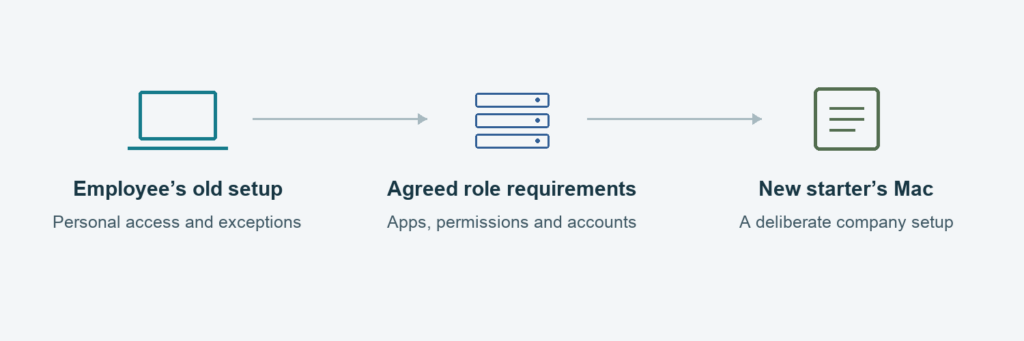
The same ownership issue appears during onboarding: why copying another employee’s Mac is a poor new-starter plan.
If staff keep working around failed Self Service installations, talk to Mac Support London about reviewing the app-delivery process as part of your Mac & Cloud Support.
Technical background: Jamf Self Service+ and Jamf Pro app distribution documentation.